Setup
OSquery host configs
Option 1 - Community
Install/Setup OSquery on Windows
Install/Setup OSquery on Linux
Install/Setup OSquery on macOS
Option 2 - Paranoid
Install/Setup OSquery on Windows
A Powershell script has been provided to download/install OSquery and then pull down OSquery configs for Windows. This script accepts several command line arguments such as: osquery_version, osquery_flag_url, osquery_conf_url.
Open Powershell as AdministratorInvoke-Webrequest https://raw.githubusercontent.com/CptOfEvilMinions/QueryLab/master/osquery_configs/Windows/setup.ps1 -OutFile setup.ps1.\setup.ps1Set-ExecutionPolicy Unrestricted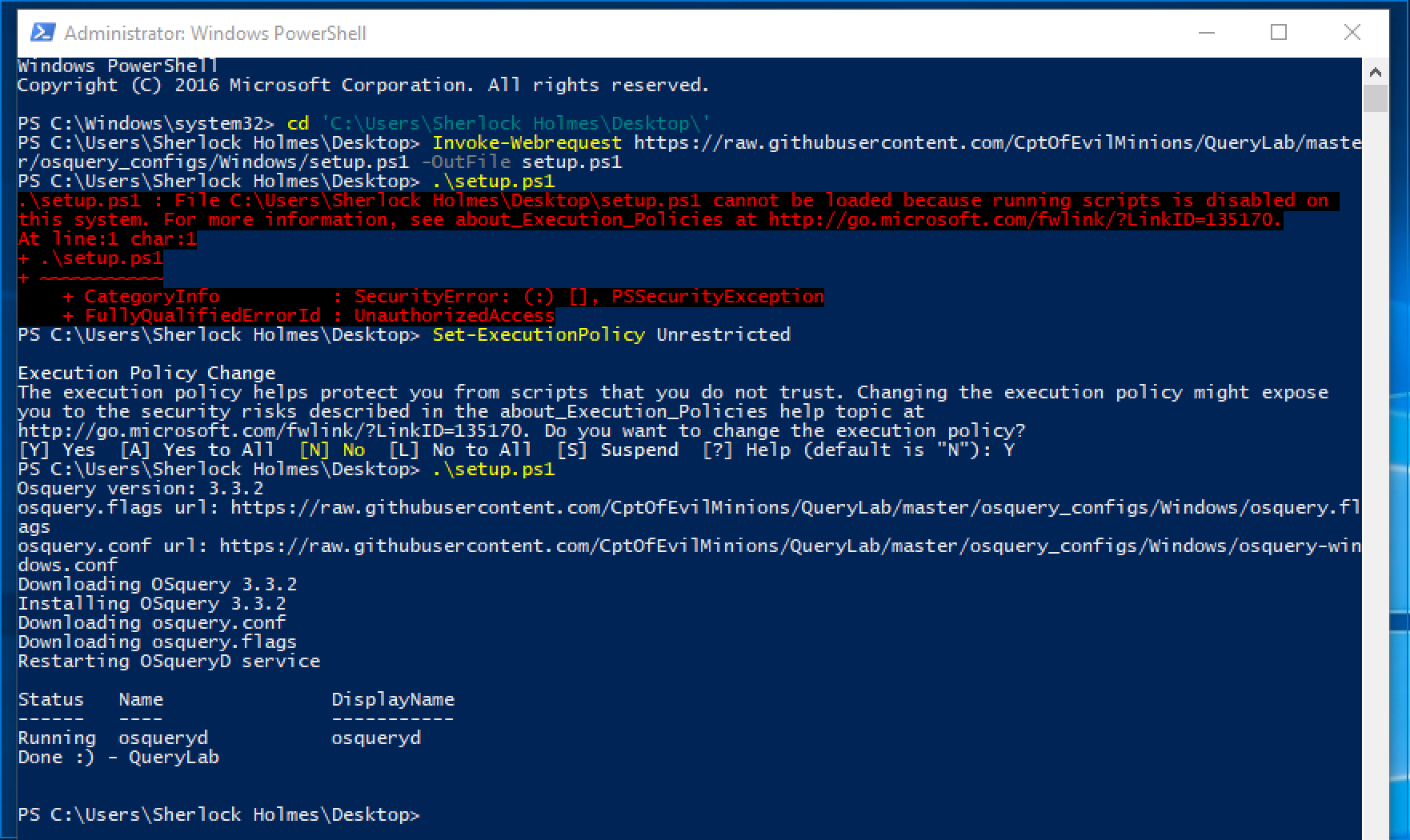
Install/Setup OSquery on Linux
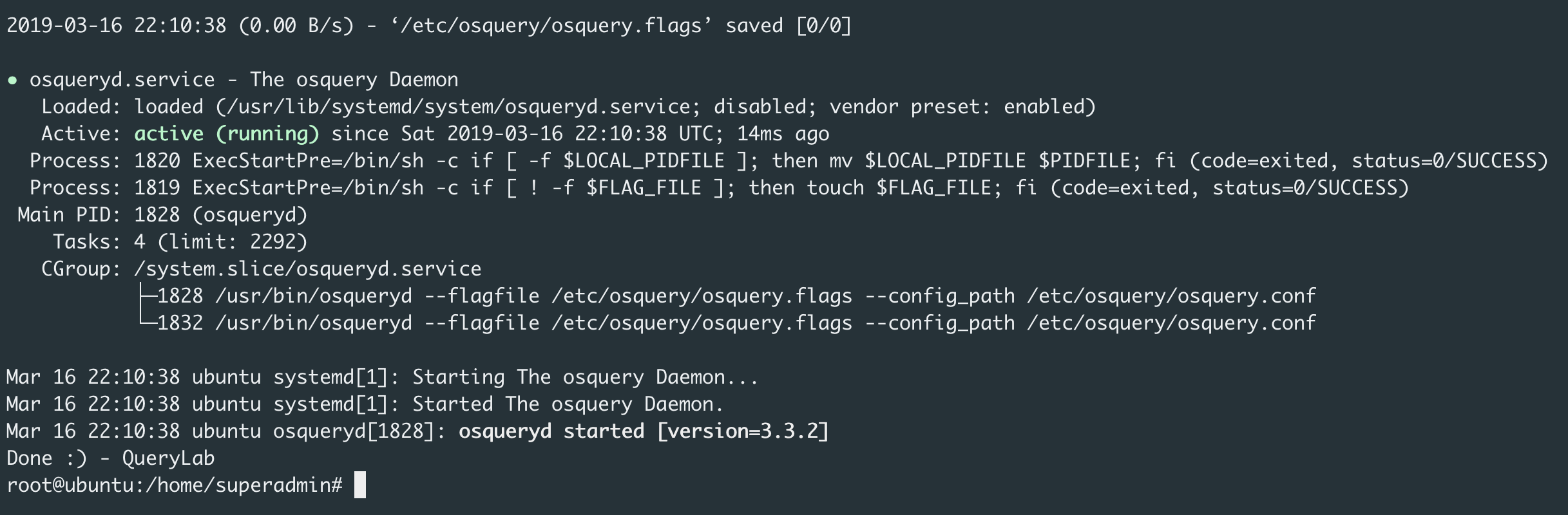
A BASH script has been provided to download/install OSquery and then pull down OSquery configs for Linux. This script accepts several command line arugments such as: osquery_version, osquery_flag_url, osquery_conf_url.
Open a terminal as Administratorwget https://raw.githubusercontent.com/CptOfEvilMinions/QueryLab/master/osquery_configs/Linux/setup.sh./setup.sh
Supported OSes
- Ubuntu Server 18.04 64-bit
- CentOS 7 64-bit
Install/Setup OSquery on macOS
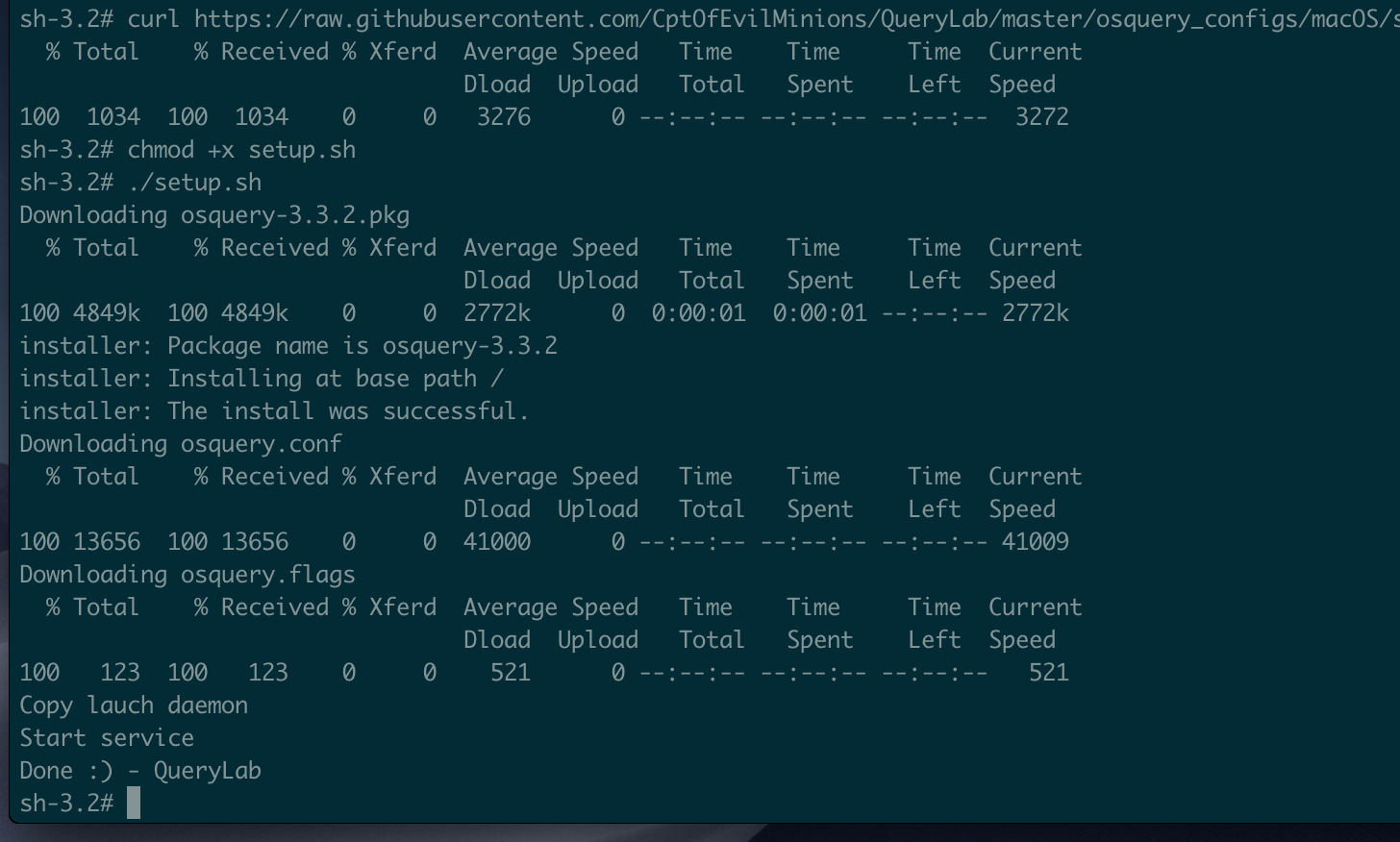
A BASH script has been provided to download/install OSquery and then pull down OSquery configs for macOS.
Open a terminal as Administratorcurl https://raw.githubusercontent.com/CptOfEvilMinions/QueryLab/master/osquery_configs/macOS/setup.sh --output setup.shchmod +x setup.sh./setup.sh
Supported OSes
- macOS Mojave 10.14.3